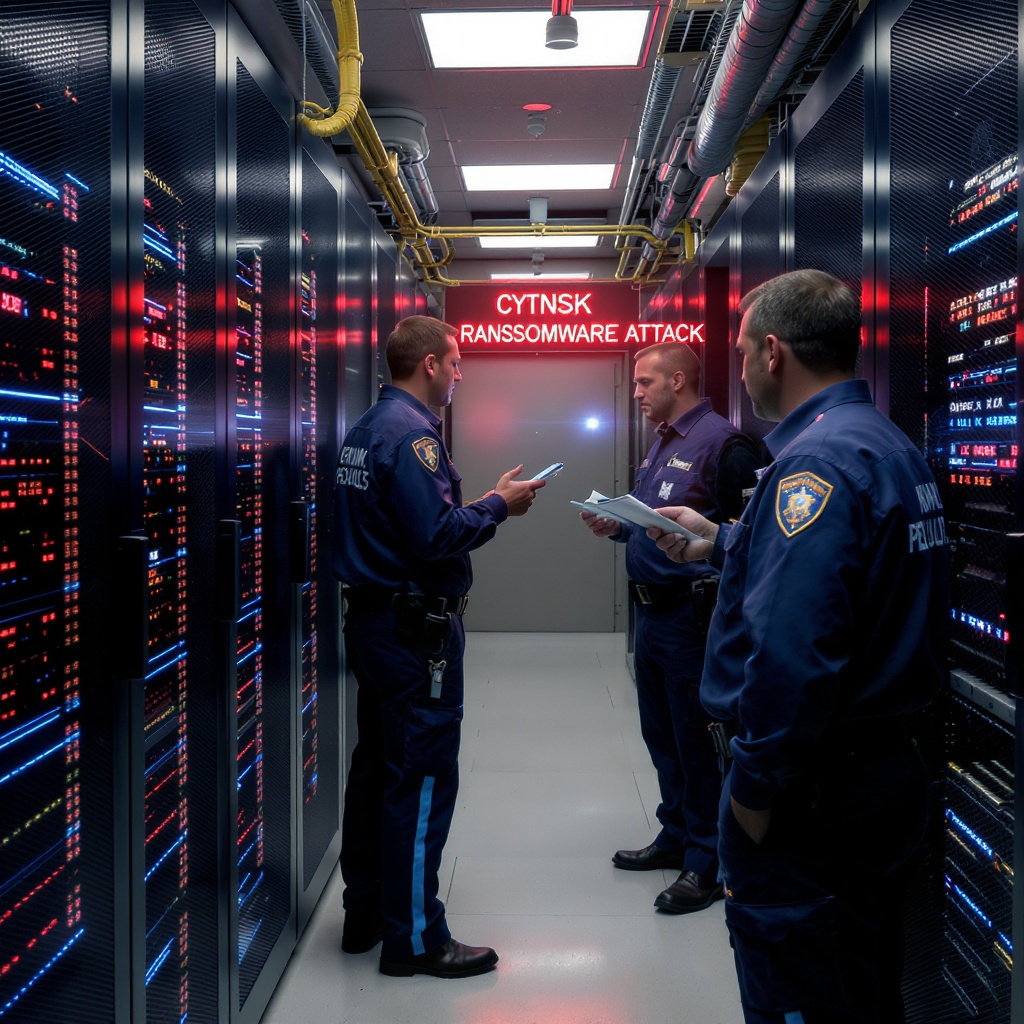
Ransomware response is a crisis-management problem before it is a technical recovery project. If your organization does not have dedicated security staff, the safest first move is to contain what you can, preserve what you see, and bring in qualified help quickly. This guide translates the first-response priorities in CISA's Ransomware Guide and the FBI's ransomware guidance into an employee-friendly first-hour checklist.
The actions below are designed for organizations without an internal security operations team. They are not a substitute for incident-response, legal, insurance, or regulatory advice. When the scope is uncertain, treat the event as a suspected compromise and escalate.
Recognize a suspected ransomware event
Ransomware may be obvious, such as a ransom note on multiple computers, but it can also begin with a single employee reporting that files will not open or that a server has suddenly become unavailable. Record the observation and time; do not spend the first hour trying to prove the attacker’s identity.
- Files that were available recently cannot be opened, or have unfamiliar extensions.
- A ransom note, payment demand, or instructions to contact an attacker appear.
- Several workstations, shared drives, servers, or cloud files show similar symptoms.
- Security tools, backups, accounts, or remote-access systems behave unexpectedly.
A similar symptom can have a non-malicious cause, but the safe first response is the same: notify the designated IT or security contact and avoid actions that could spread the problem or destroy evidence.
The first minutes: safe employee action
- Stop interacting with the affected device. Do not click through unfamiliar windows, open the ransom note’s links or attachments, connect a USB drive, copy files to another computer, or attempt a cleanup.
- Call the designated response contact. Use the printed or otherwise known-good phone number for your IT lead, managed service provider (MSP), or incident-response provider. If email or internal chat may be compromised, do not use it as the only notification channel.
- Isolate one affected workstation when it is safe. Unplug its Ethernet cable or remove it from Wi-Fi. Leave servers and shared infrastructure to the person responsible for them unless the response plan says otherwise.
- Do not reboot or power down at random. CISA advises isolating affected systems immediately and powering down only when disconnection is not possible. An MSP or incident responder should direct broader shutdown decisions.
The goal is to stop further spread while keeping a reliable record of what happened. Do not log into the affected device again just to check whether the message has disappeared.
Build Your Own IR Plan — Free
Answer 8 questions and get a personalized 12-page Incident Response Plan PDF emailed to you instantly.
Build My IR Plan Now →Facilitated tabletop exercise
Tabletop: the first 15 minutes of a ransomware incident
Facilitator setup: Set aside 10 minutes. Name a facilitator and a scribe, identify the known-good or out-of-band reporting path, and remind the team that this is a conversation about safe first actions—not a live investigation or recovery exercise.
Prompt
At 9:10 a.m., one workstation shows a ransom note and its files will not open. A second user reports that the shared drive is suddenly unavailable. Normal internal email and chat may also be compromised. What does the team do in the first 15 minutes?
Discuss
- What interaction stops immediately, and what observations should the scribe record without opening, copying, or cleaning anything?
- When it is safe, how would you isolate the one affected workstation, and which systems or network decisions must wait for the designated IT or MSP contact?
- Who uses the known-good or out-of-band reporting path, and when does the shared-drive symptom require escalation to the designated IT/MSP or incident-response contact?
Debrief
Debrief: Stop interacting with the affected device, isolate one affected workstation when safe, record what was observed and when, and report through the known-good or out-of-band path. The shared-drive symptom expands the scope, so escalate promptly to the designated IT/MSP or incident-response contact.
Safety boundary: Participants must not investigate, reboot systems at random, restore backups, negotiate with the attacker, or reconnect systems. Those are specialist decisions.
Printable first-response record
Ransomware incident notes
Record only what you directly observe and the escalation steps you take. Keep this record with the incident owner or scribe.
Safety note: Do not write passwords, credentials, ransom or payment details, or other sensitive secrets here. Stop interacting with the affected device. Do not investigate, clean up, or make ransom or payment decisions. Do not reconnect systems or begin recovery without guidance from a qualified specialist.
Printable after-action worksheet
Ransomware lessons learned
Use this page only after the response lead confirms an after-action review is safe. Record lessons and assign follow-up actions.
Review safety: Use only the response lead’s confirmed incident summary and approved response log. Employees must not inspect affected systems, test or restore backups, or reconnect systems to complete this worksheet. Technical containment and recovery remain specialist-led. Do not enter passwords, credentials, or ransom/payment details.
Review prompts
Three follow-up actions
| Action | Owner | Due date |
|---|---|---|
One incident, one out-of-band communication path
Choose one incident owner and one scribe. The owner makes or delegates decisions; the scribe keeps the timeline. Use a known-good phone bridge or other out-of-band channel that does not depend on potentially compromised email, identity, or collaboration accounts. Tell staff where to report observations and who is authorized to issue instructions.
A simple initial message is enough: “We have a suspected ransomware incident affecting [known scope]. Affected devices have been isolated where safe. Report observations by [out-of-band method]. Do not reconnect devices, move files, or contact the suspected attacker.” Keep customer, employee, and public communications with the designated leadership, legal, and communications owners.
One device versus a multi-system incident
For one apparently affected workstation, a trained employee may disconnect Ethernet or Wi-Fi and report the hostname, user, location, and symptoms. That is a containment action, not an investigation.
If more than one device, subnet, server, shared drive, cloud environment, or administrative account appears affected, stop troubleshooting workstation by workstation. Escalate to IT, the MSP, or an incident-response provider for network-wide containment. CISA's guidance includes taking an impacted network offline at the switch level when several systems or subnets are involved. Do not randomly unplug servers or network equipment unless the responsible specialist directs it.
Preserve evidence and build a timeline
Preserve what you can without opening, editing, or “cleaning” the affected systems. Record:
- When each symptom was first observed, by whom, and on which device or account.
- Photos or screenshots of ransom notes, error messages, filenames, and visible timestamps.
- Hostnames, usernames, network locations, affected shares, and the last known normal activity.
- Calls, decisions, isolation steps, systems taken offline, and people notified.
- Relevant alerts, messages, suspicious attachments, and access notifications in their original form when IT can preserve them safely.
Do not delete ransom notes, wipe machines, reset every password at once, or start restoring from backup before the response team has captured the information it needs. Specialist-led forensic collection may be required to determine how the attacker entered and whether data was accessed or copied.
Escalate early: IT, insurer, legal, and authorities
Ask the IT lead or MSP to bring in a qualified incident-response provider if the event exceeds their experience or affects critical systems. Notify your cyber-insurance contact and follow the policy’s instructions before hiring vendors or making material decisions. Involve legal counsel early to assess contractual, privacy, regulatory, employment, and notification obligations.
For a U.S. organization, CISA says organizations should report ransomware and seek assistance through CISA, a local FBI field office, the FBI Internet Crime Complaint Center (IC3), or the U.S. Secret Service as applicable. The FBI IC3 ransomware reporting guidance and IC3 complaint form provide official reporting paths. Organizations elsewhere should use their applicable national cyber authority and law-enforcement channel. Record confirmation numbers and instructions in the incident timeline.
Backups and clean recovery
Do not connect an offline backup drive or log into a backup repository from a potentially compromised account just to see whether it works. Ransomware can reach network-accessible backups and cloud storage through stolen credentials. Have the response team validate the backup environment and identify a known-clean system from which to plan recovery.
After containment and evidence preservation, restore in priority order from a clean offline, immutable, or otherwise protected backup. Confirm that the backup predates the compromise, test the restore in an isolated environment, and rebuild or reimage systems when specialists recommend it. A successful decryption or file restore does not prove that the entry point or attacker persistence has been removed.
Document a Recovery Time Objective (RTO) and Recovery Point Objective (RPO) for each critical service. Those targets help leaders decide what to restore first; they are not a promise that recovery will meet a particular deadline.
What employees can do — and what specialists must do
Employees can recognize symptoms, call the designated contact, isolate a single workstation when instructed or safe, record observations, and follow the out-of-band communication plan. They should not hunt for the attacker, inspect logs, delete malware, negotiate, reconnect systems, restore backups, or make broad network changes.
Incident responders and qualified IT specialists should determine scope, preserve forensic evidence, contain identity and network access, assess possible data access or exfiltration, eradicate persistence, validate backups, and approve reconnection. Reconnection is a specialist decision based on evidence and a clean recovery plan.
Ransom payment is not a first-response step
CISA and the FBI discourage paying a ransom because payment does not guarantee that files will be recovered, does not remove the attacker from the environment, and may create legal or sanctions concerns. Do not treat a ransom demand as a reason to skip containment, reporting, evidence preservation, or recovery planning.
If leadership later considers payment, that decision belongs with qualified legal counsel, the insurer, and an experienced incident-response or ransomware-negotiation provider. They can assess sanctions and other legal exposure, preserve negotiation evidence, evaluate alternatives, and document the decision. This guide does not recommend payment.
Ready when ransomware isn't?
Your personalized IR plan is one step away — free, instant, built for your industry.
Get My IR Plan →Pre-incident ransomware checklist
Organizations without dedicated security staff can reduce response friction by assigning owners and testing these basics before an incident:
- Backups: Keep tested copies offline, immutable, or otherwise separated from everyday administrator access. Schedule restore tests and record what worked.
- Recovery targets: Set an RTO and RPO for each critical service, then confirm that the backup and recovery process can support those targets.
- Identity: Require MFA, especially for administrators, remote access, email, and backup systems. Use least privilege and separate administrative accounts.
- Patching: Assign an owner and a recurring process for operating-system, application, VPN, firewall, and remote-access updates. Prioritize vulnerabilities actively exploited in the wild.
- Remote access: Remove internet exposure that is not required. Do not expose RDP directly to the internet; protect necessary remote access with MFA and monitoring.
- Segmentation: Separate workstations from domain controllers, backup infrastructure, financial systems, and other critical services so one compromised account or device has less reach.
- Roles and training: Give employees a short, role-based script for reporting suspicious activity and isolating one workstation. Give leaders, IT, Finance, Legal, and Communications clear decision rights.
- Contacts: Print the incident plan and keep an accessible copy with out-of-band phone numbers for IT/MSP, incident response, insurer, legal counsel, leadership, CISA/FBI/IC3 or applicable authorities.
Use this checklist in a tabletop exercise. The purpose is to find the missing phone number, unclear decision, untested restore, or unsafe assumption before an attacker finds it.
For a facilitated rehearsal, book a SecurEveryone ransomware tabletop session and practice containment, communication, evidence preservation, and recovery decisions with your leadership team.
Sources & Further Reading
- CISA, “#StopRansomware Guide” — prevention, immediate isolation, reporting, and recovery guidance.
- CISA, #StopRansomware — ransomware resources, alerts, and reporting guidance.
- CISA, Report a Cyber Issue — reporting and assistance channel for applicable U.S. organizations.
- FBI, “Ransomware” — official response, reporting, and ransom-payment guidance.
- FBI Internet Crime Complaint Center, “Ransomware” — ransomware reporting information.
- FBI IC3, File a Complaint — online reporting form for suspected internet-enabled crime.
- NIST, Cybersecurity Framework — a broader framework for organizing cybersecurity risk management and recovery work.
Incident ready?
Build your IR plan before ransomware finds you
Answer 8 questions and get a personalized 12-page Incident Response Plan PDF — built for your industry, delivered instantly.